Choose a Plan
Select the required subscription duration and number of device connections.

Learn how ElephTV payments, VIP-code delivery, activation, renewals, trials and device connections work before starting or extending a subscription.
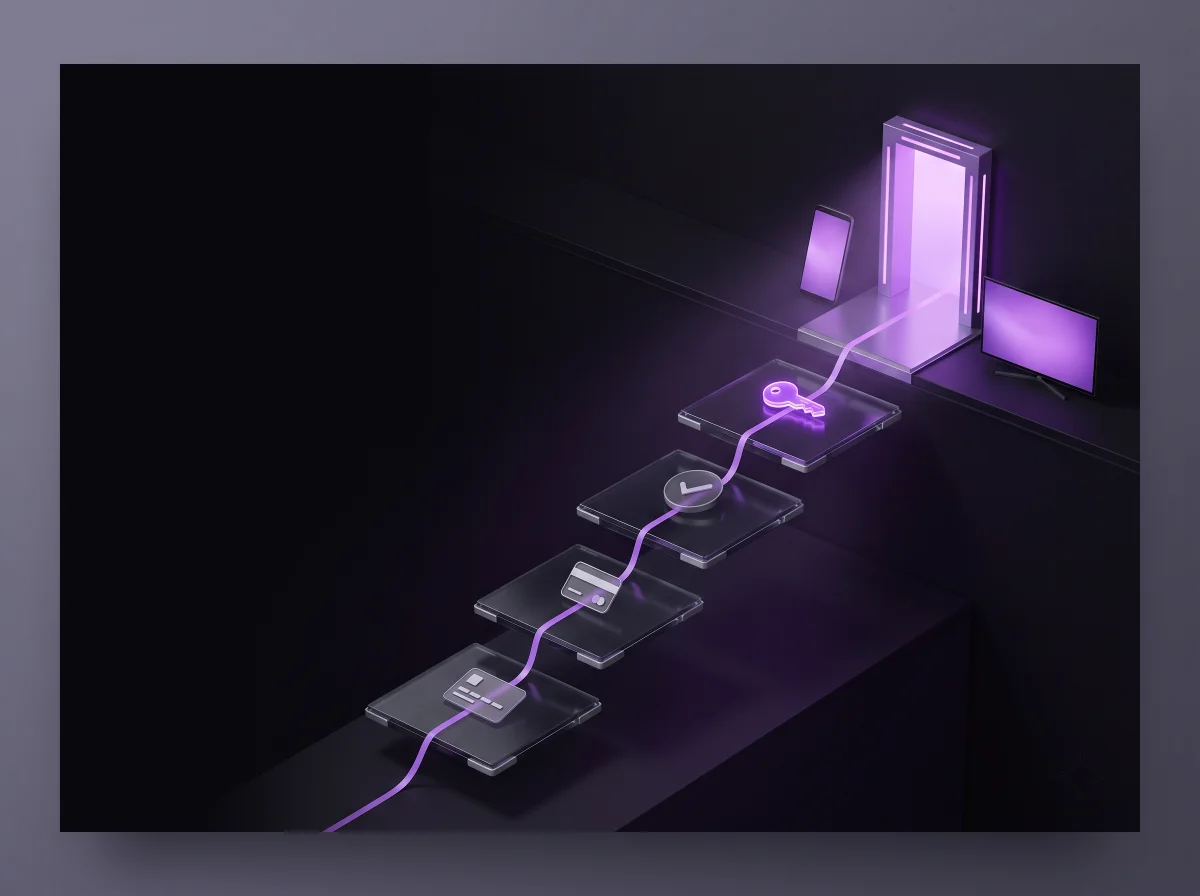
Follow these steps to order, confirm payment and receive your ElephTV VIP or redeem code.
Select the required subscription duration and number of device connections.
Support will provide the currently available bank-transfer or cryptocurrency instructions.
Send a clear payment screenshot privately through official ElephTV support.
Once payment is confirmed, the code is normally created and delivered within 20 minutes.
Your subscription starts when the VIP code is created. The subscription period does not wait until the code is first entered into the app.
Available payment methods may depend on your location, currency and the instructions supplied by official ElephTV support.
International transfer instructions may be provided when available for your order.
Bank-transfer details can be supplied privately through official support.
Nsave payment details may be available depending on your location and selected currency.
Cryptocurrency and other payment methods may also be offered when suitable.
Confirm payment details before sending money. Pay only to the account or wallet information supplied privately through official ElephTV support.
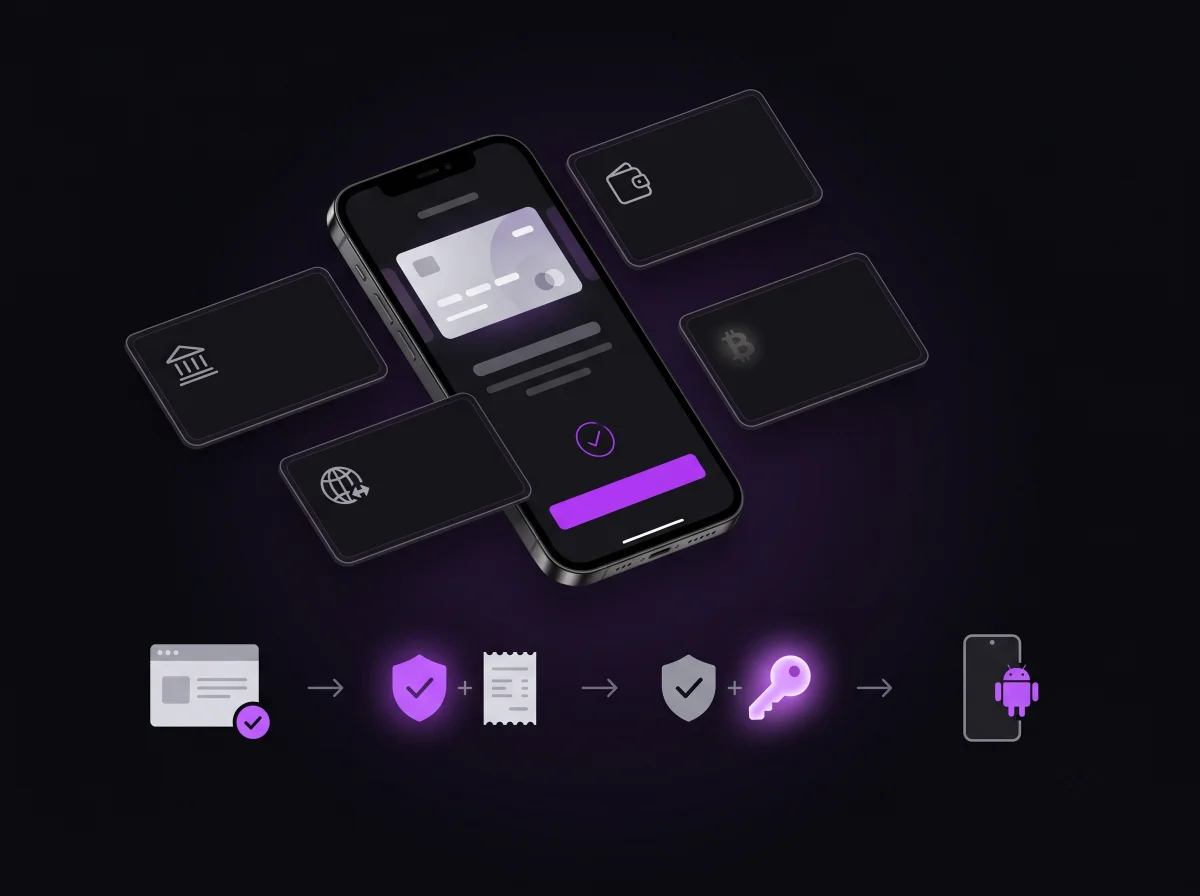
Most verified orders receive a VIP or redeem code within 20 minutes after payment has been reviewed and confirmed.
Contact support when a verified code has not arrived within one hour. Include your name, selected plan, payment screenshot and transaction reference.
Report Delayed Code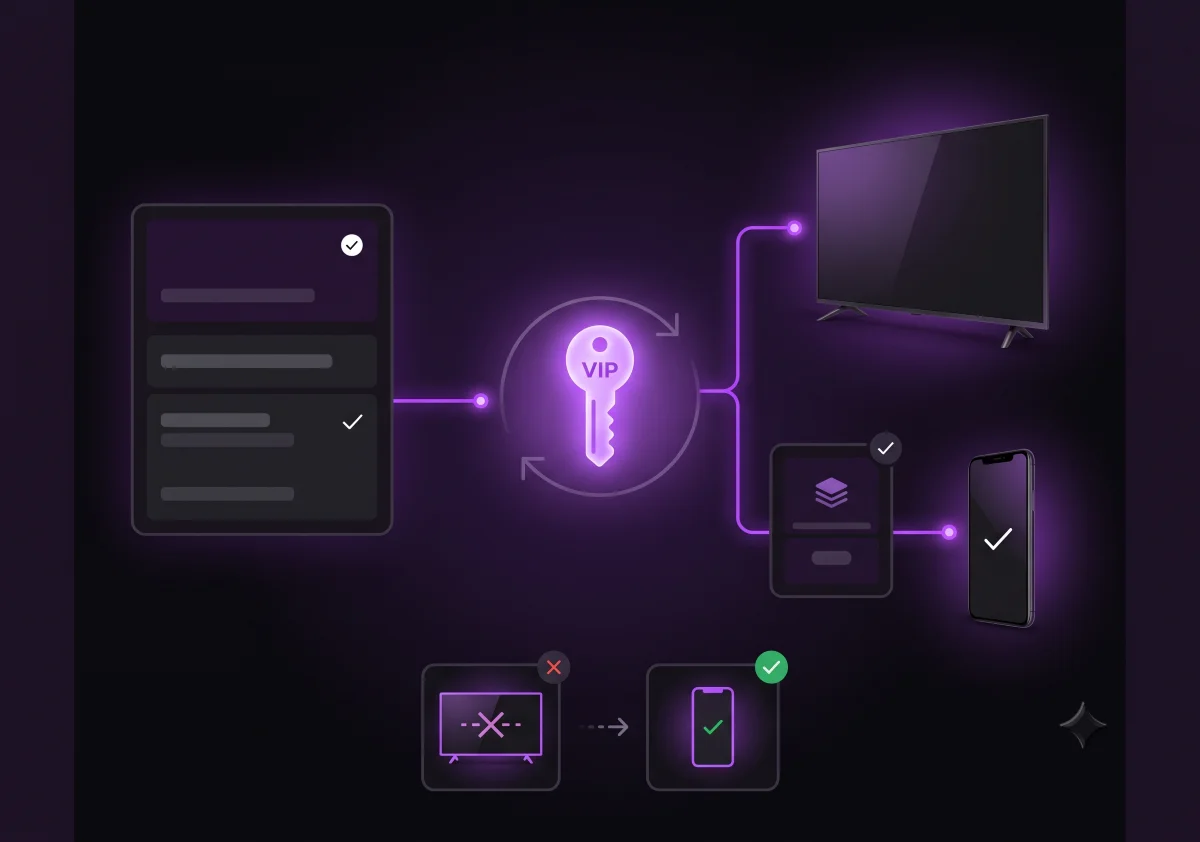
Your selected package controls how many devices may use the subscription.
One VIP code is intended for one ElephTV account on one device.
The same code may work on multiple devices only when the purchased package and provider configuration allow it.
A code may be moved after it is correctly deactivated on the previous account or device. Frequent changes are not recommended.
Customers normally keep the same VIP code during renewal. After payment confirmation, the purchased subscription period is added to the existing code.
Eligible first-time customers may receive a seven-day trial using a new ElephTV account and previously unused verified contact information. Trial approval is subject to availability and support verification.
Review the answers below before contacting support.
Choose your subscription plan and contact official support for payment instructions, code delivery and activation assistance.