
Download the app
Choose the correct mobile or TV APK.
7-Day Premium Access
ElephTV Free Trial
Start your ElephTV 7-day free trial directly inside the official app. Download ElephTV, create an account, enter your verification code and set a password. Your premium trial begins automatically after registration is completed.
No trial-request form
No payment required to register
Premium features for seven days
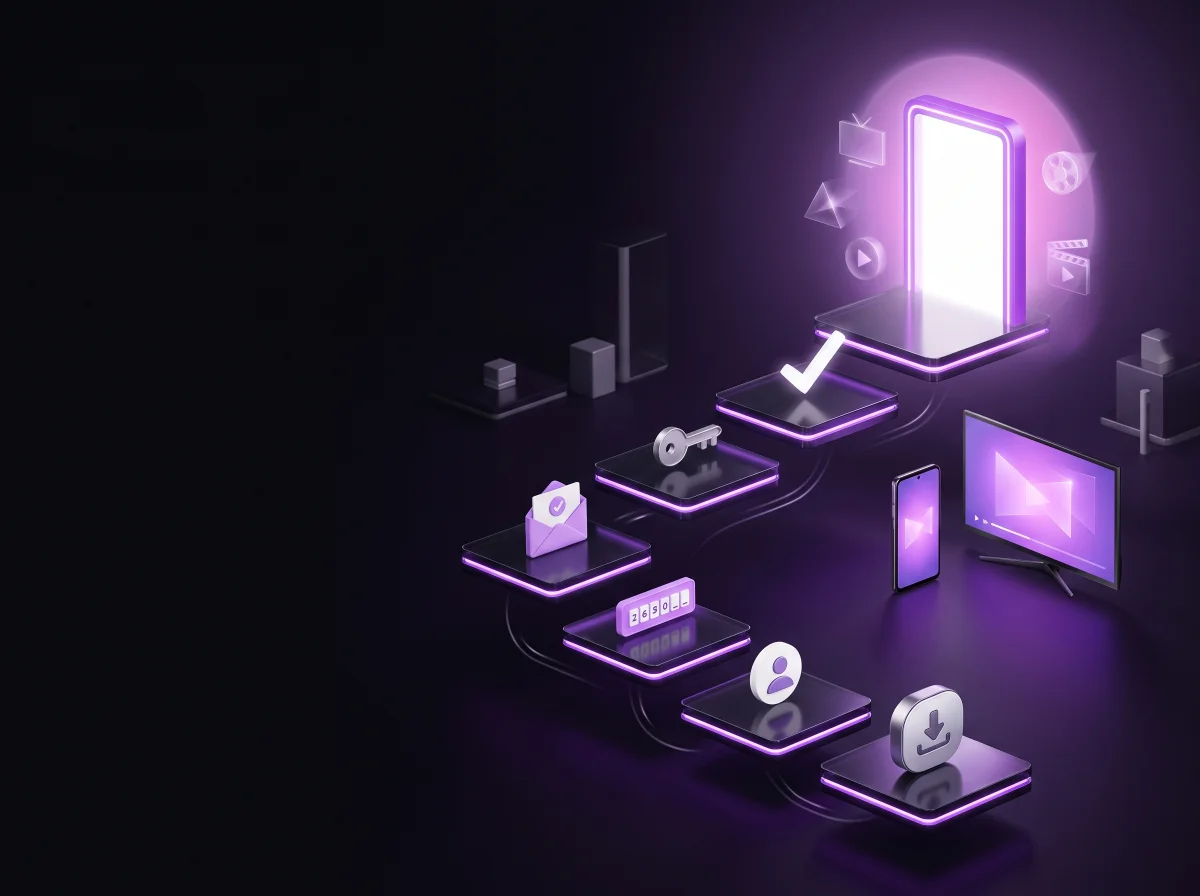
Create an account
Use an available signup option inside the app.
Verify your account
Enter the automatically generated verification code.
Start the trial
Set your password and begin seven days of access.
How the ElephTV Free Trial Works
You do not need to submit a website form, request a trial code or contact support before registering. The ElephTV free trial is created automatically when you complete signup and verification inside the official app.
Create Your Account
Choose one of the registration methods displayed inside the ElephTV app, such as email, Google/Gmail, phone number or another available account option.
Complete Verification
Enter the verification code sent through the selected registration method. Verification confirms that you can access the account details used during signup.
Set a Password
Create a secure password when requested. Once the account setup is successfully completed, your seven-day trial begins automatically.
Step 1
Official App Download
Download the Correct ElephTV App
Install the app version designed for your device. Using the correct APK helps avoid installation and display problems during signup.
Step 2
Create Your Account
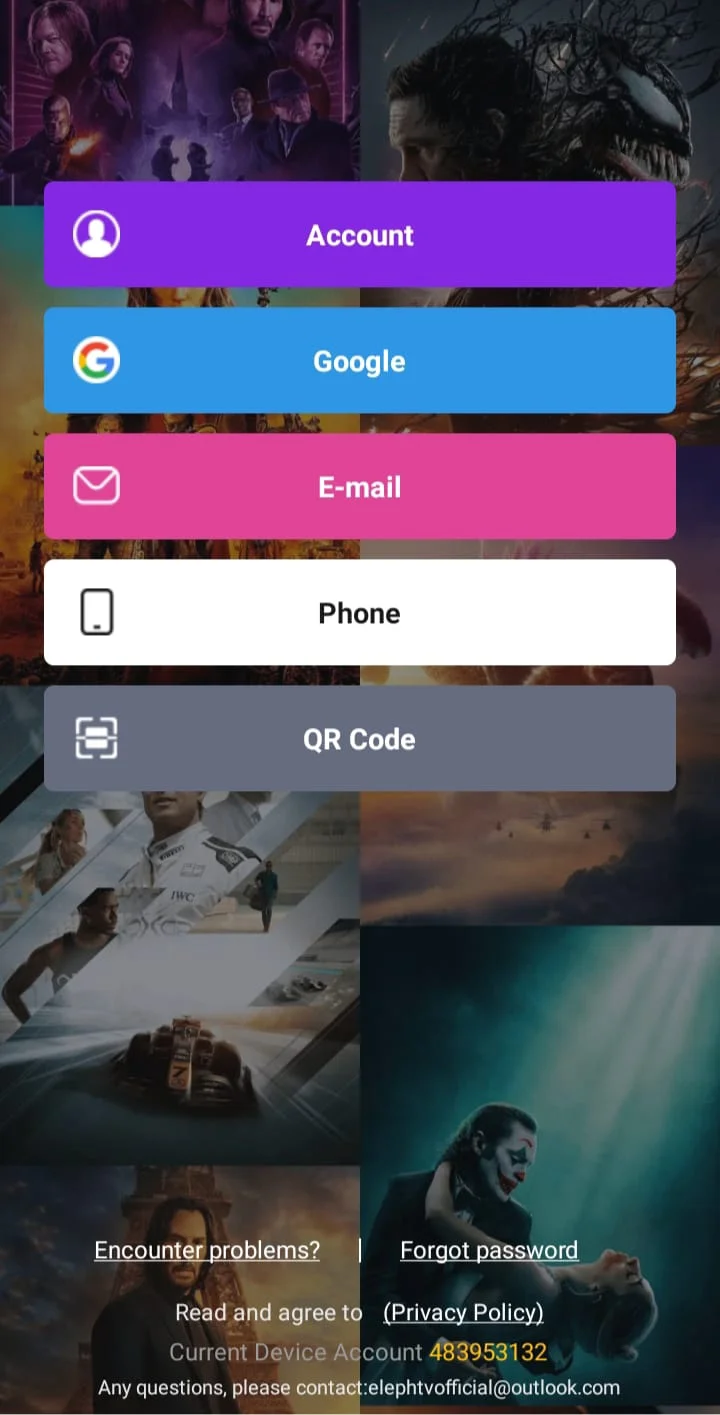
Open ElephTV and Choose a Signup Option
After installing the app, open ElephTV and select the option for creating a new account. Do not use the VIP-code login area when you are starting the automatic free trial.
Select the signup or registration option.
Choose a registration method available inside the app.
Enter information that you can access during verification.
Check the information carefully before continuing.
Registration tip
Use an email address or account method you can access immediately. You will need the verification code before the signup process can be completed.
Step 3
Check Your Messages
01
02
03
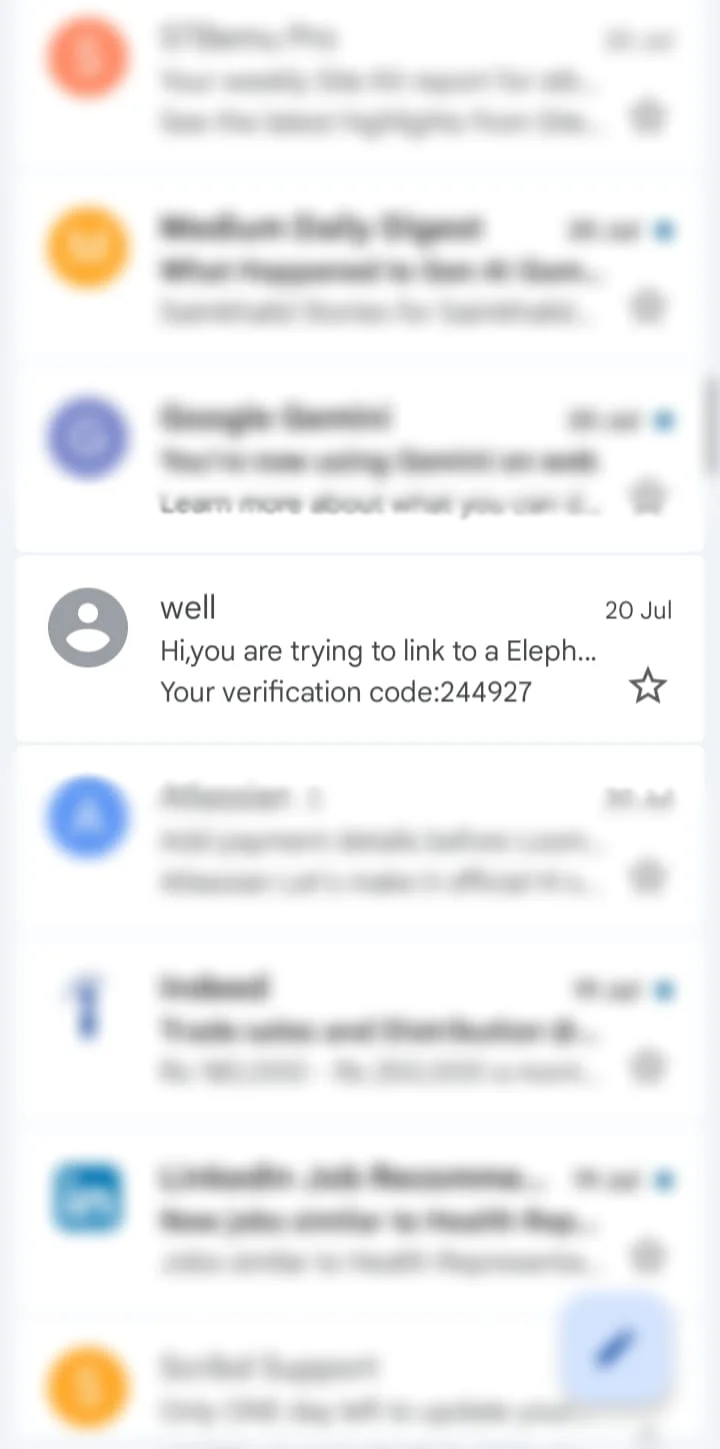
Receive Your ElephTV Verification Code
After submitting your signup information, ElephTV sends an automatically generated verification message through the selected registration method.
Check your inbox
Open the email account or message service used during registration.
Check other folders
Review spam, junk, promotions or other filtered folders when the message is not immediately visible.
Use the latest message
When more than one verification email is received, use the newest code generated for your registration.
This is an automatic no-reply email
The message is generated only to deliver your verification code. Do not reply to the verification email.
Step 4
Complete Verification
Open the Email and Enter the Verification Code
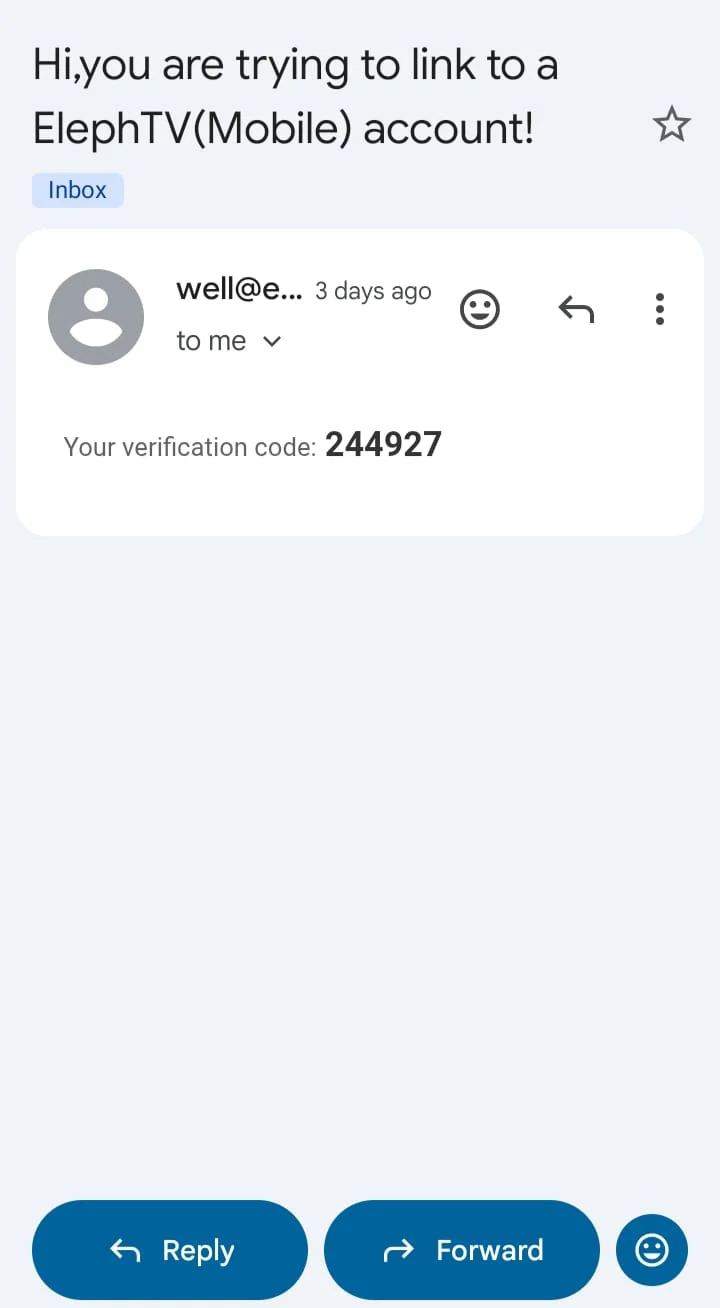
Open the automatically generated email, locate the verification code and enter it in the ElephTV app. Complete the process by creating your account password.
- Open the newest ElephTV verification message.
- Find and copy the verification code displayed in the email.
- Return to the ElephTV app and enter the code.
- Set and confirm your account password.
- Complete registration to activate the seven-day trial.
Your trial starts automatically
Once verification and password setup are successfully completed, the ElephTV seven-day free trial begins. No manual trial approval is required.
Need Account Assistance?
support@elephtvofficial.com
Do Not Reply to the Verification Email
Verification emails are automatically generated from a no-reply address. For questions about signup, verification or your trial account, contact the official support email.
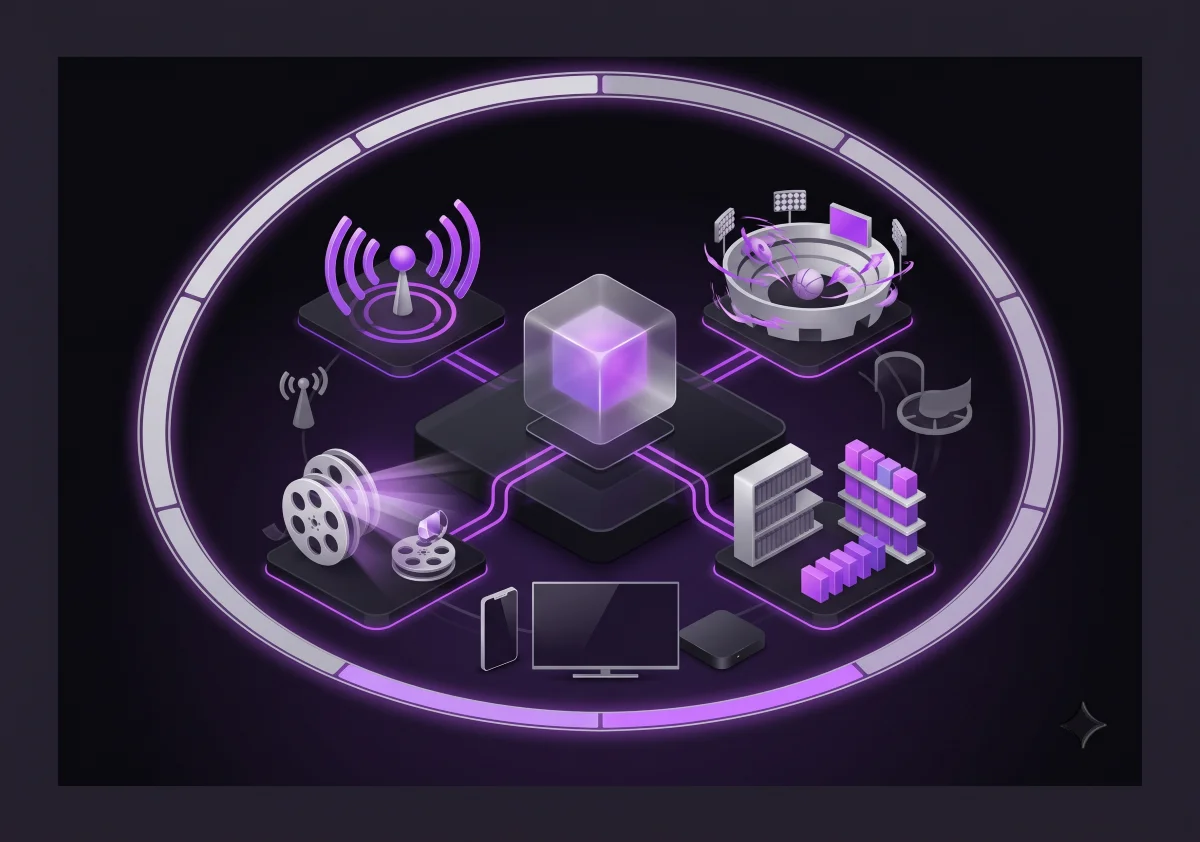
Full Premium Experience
What Is Included in the ElephTV Free Trial?
The trial includes the same core features available with an ElephTV premium subscription. The main difference is that trial access is limited to seven days.
Live Television
Explore the live television collection available through the ElephTV service during your trial period.
Movies and Series
Access the available video-on-demand collection of movies, programmes and episodic entertainment.
Sports Access
Explore available sports categories and live-event coverage included in the premium app experience.
Premium App Features
Use the core playback, browsing and entertainment features available to premium ElephTV customers.
Channel, movie, series, category and stream availability may change. Streaming performance and available resolution may vary according to the device, connection and network conditions.
ElephTV Free Trial Checklist
A few simple checks can help you complete registration without interruption.
Supported Device
Use an Android phone, Android tablet, Android TV, Google TV, supported TV box or Fire TV device.
Correct APK
Install the mobile APK on phones and tablets or the TV APK on television-based devices.
Accessible Account
Register with an email, phone number or account method that you can access immediately.
Stable Internet
Use a reliable internet connection while downloading, registering and streaming.
Check Filtered Folders
Review spam, junk and promotions folders when the verification email is not visible.
Save Your Password
Remember the password created during signup so you can access the same trial account again.
After Seven Days
What Happens When the Free Trial Ends?
Trial access expires after seven days. To continue using ElephTV, you must purchase a separate subscription and receive a valid VIP or redeem code.
The free trial does not create an automatic recurring payment.
You are not automatically charged when the trial expires.
A paid subscription must be purchased separately.
Subscription plans may support one or multiple connections.
ElephTV Free Trial FAQ
Quick answers about account creation, verification, premium features and what happens when the trial expires.
No. Download the official app, create an account, complete verification and set a password. Your seven-day trial starts automatically after registration is completed.
Yes. The trial includes the same core features available through a premium ElephTV subscription, but access is limited to seven days.
The trial begins after you complete account registration, verification-code entry and password setup inside the ElephTV app.
Confirm that the registration information is correct, wait briefly and check spam, junk or promotions folders. When several messages are received, use the newest verification code.
No. The verification message is an automatically generated no-reply email. For account assistance, contact support@elephtvofficial.com .
No automatic recurring payment is created by the trial. A paid subscription must be purchased separately to continue using ElephTV after the seven-day period.
Start Without a Request Form
Start Your ElephTV Free Trial Today
Download the official ElephTV APK, create your account, complete verification and begin seven days of premium streaming access.